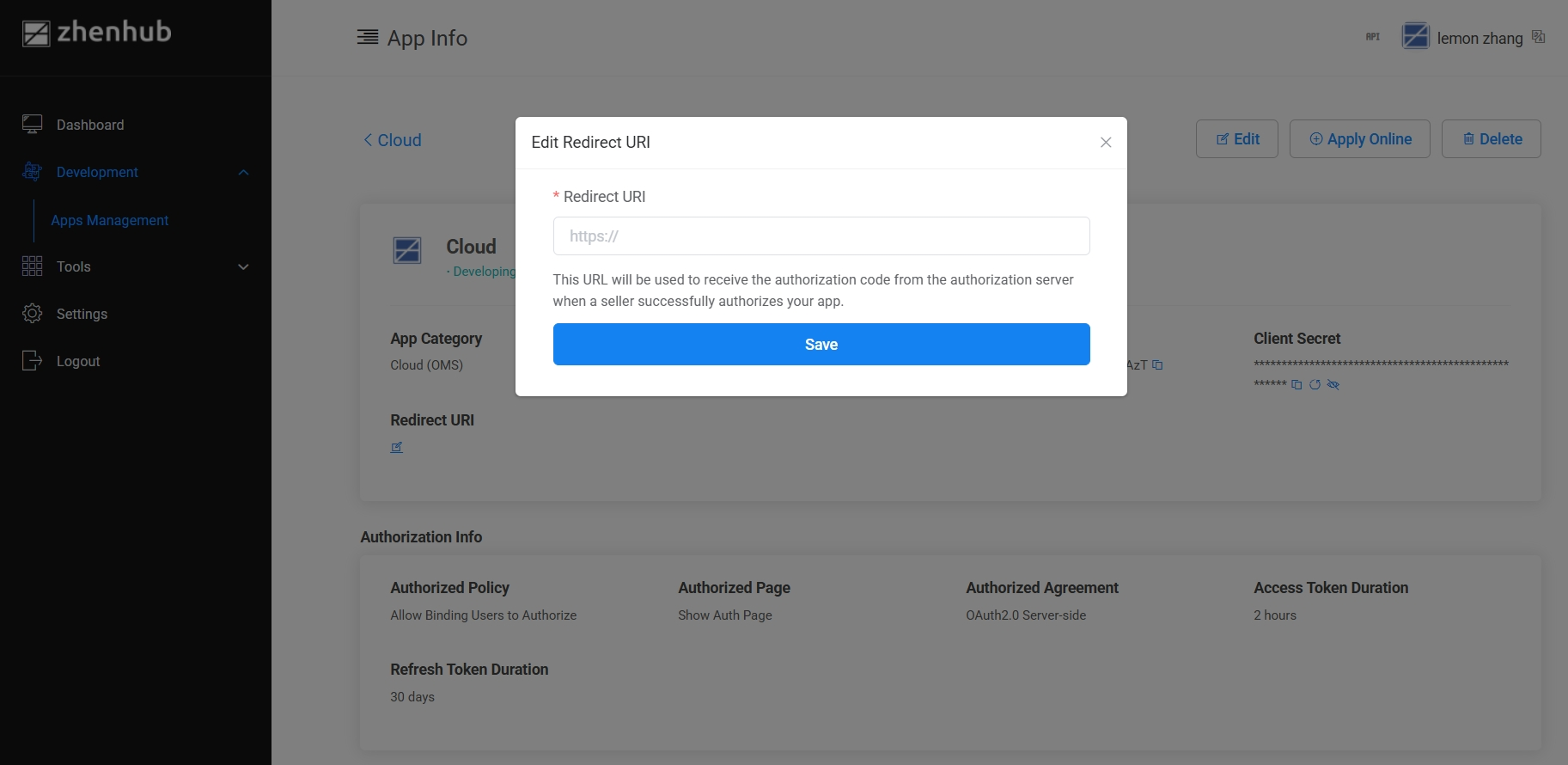
Create an Application
Once you have registered a developer account, you can start creating applications on the ZhenHub Open Platform.
App Category
Application categories are used to initialize default configuration templates during app creation. These templates define:
- Authorization policies
- Authorization validity period
- API group permissions
- API call rate limits
Note: Each application can belong to only one category.
Currently available application category:
Cloud (OMS) – For Order Management System integrations
App Registration Steps
Click [Development] in the left-side navigation bar.
Select [Apps Management] from the drop-down menu.
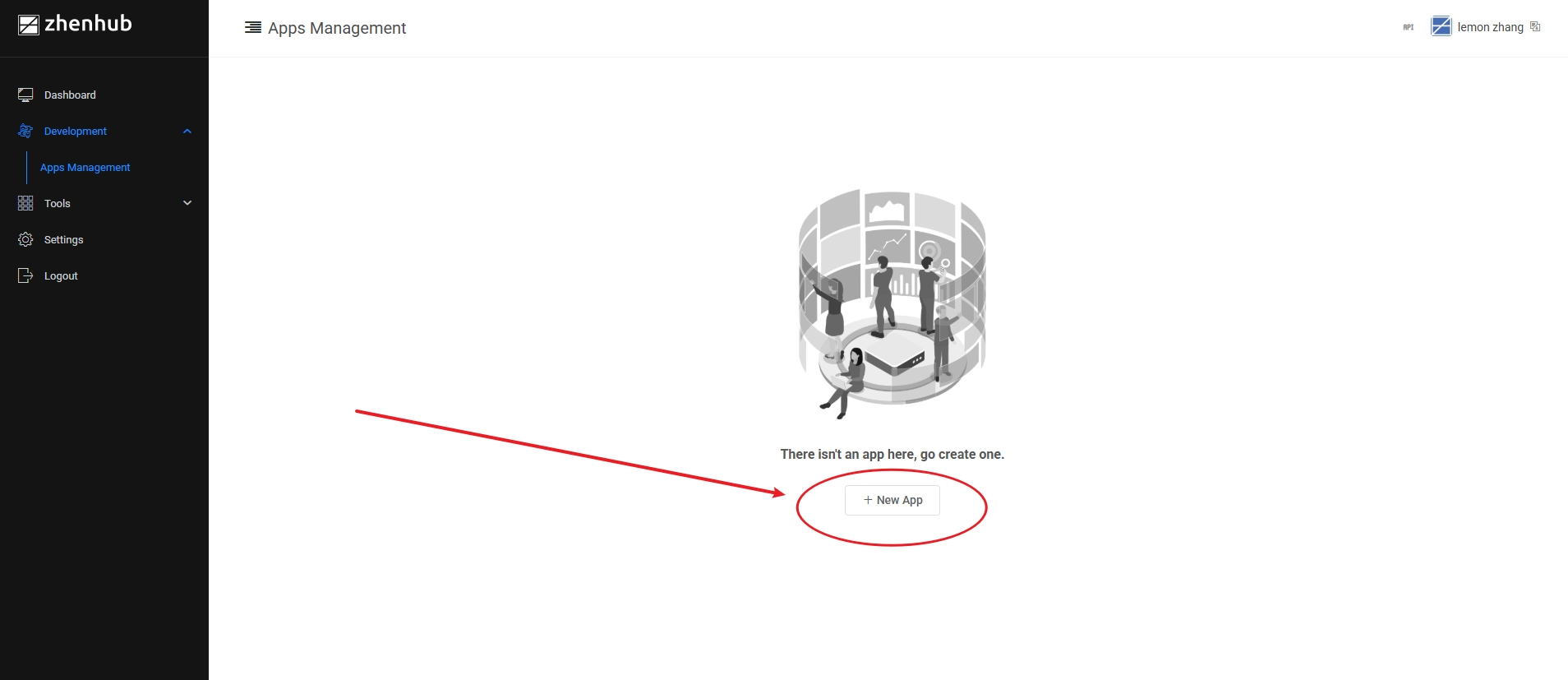
Click [New App] to begin creating a new application.
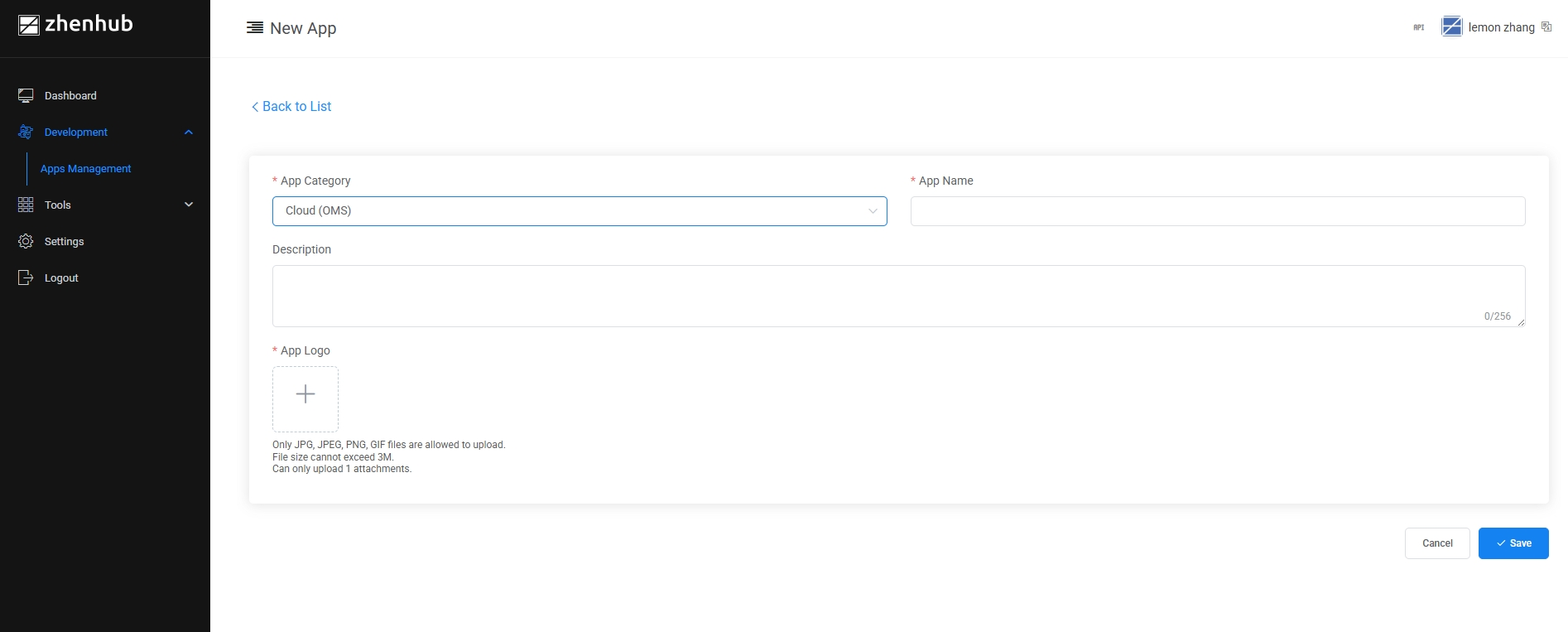
Fill in the required application information on the page, then click [Save] to complete the creation.
The application is successfully created with the initial status in [Apps Management] under [Development].
Set Redirect URI
Hover your mouse over the application entry in the list.
The [Manage] button will appear.
Click [Manage] to enter the application management interface.
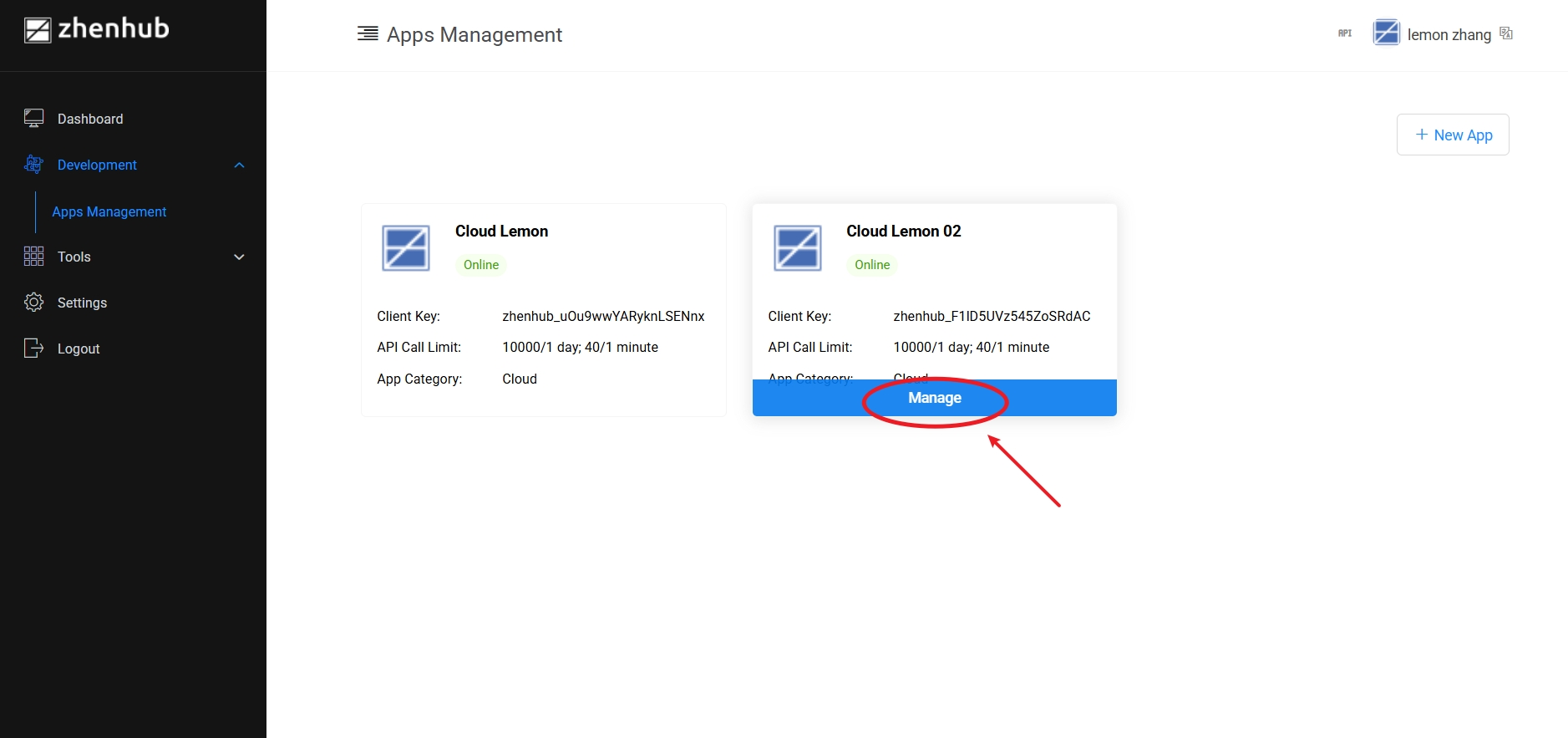
Click the [Edit] button next to the Redirect URI field.
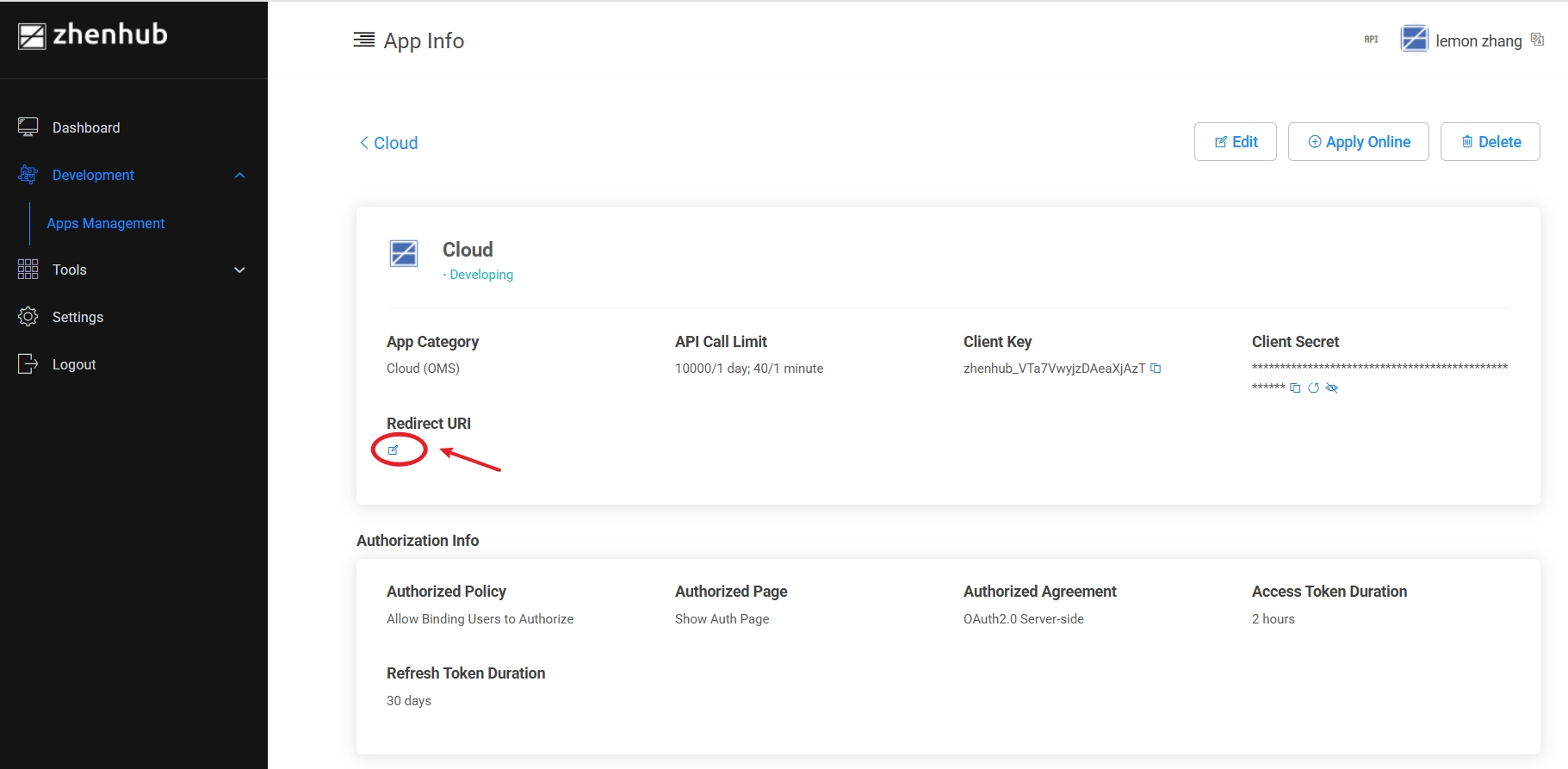
Enter the redirect URI in the pop-up window, then click [Save] to apply the changes.